Persistent high pressure drop usually traces to clogged filters, weak blower airflow, or blocked ductwork. Check filter media condition, verify pulse cleaning cycles, and inspect the system path. Most fixes involve replacing media or clearing obstructions.
- A persistently high pressure drop usually points to filter clogging, blower degradation, or ductwork restriction.
- Check filter media for dust loading, media damage, or chemical contamination before replacing expensive components.
- Verify pulse cleaning cycles are firing at the correct intervals and that nozzles are not blocked.
- Monitor static pressure trends over time to catch pressure issues before they stop production.
- Keep records of filter changes and cleaning adjustments to spot recurring patterns.
What is actually happening inside the collector
A dust collector works by creating negative pressure. The blower pulls process air through filters, trapping particles in the media. The difference between upstream and downstream pressure is the static pressure reading. When that reading climbs and never settles back down, the system is working against resistance it should not face.
Most operators see a gradual rise over weeks. The gauge climbs, the blower draws more amps, and the fan noise gets louder. If the pressure stays high after a filter change or a cleaning cycle, the problem is not the filters alone. It is usually a combination of media loading, airflow restriction, or mechanical wear.
The first step is to stop guessing. A high pressure drop is a symptom. The root cause is hiding in one of three places. The filter path, the blower, or the ductwork.
Check the filter path first
Filters are the most common cause of pressure issues. But not all clogging looks the same. A filter that is simply overloaded with dust will show a steady rise. A filter with damaged media or chemical contamination will spike and stay high even after cleaning.
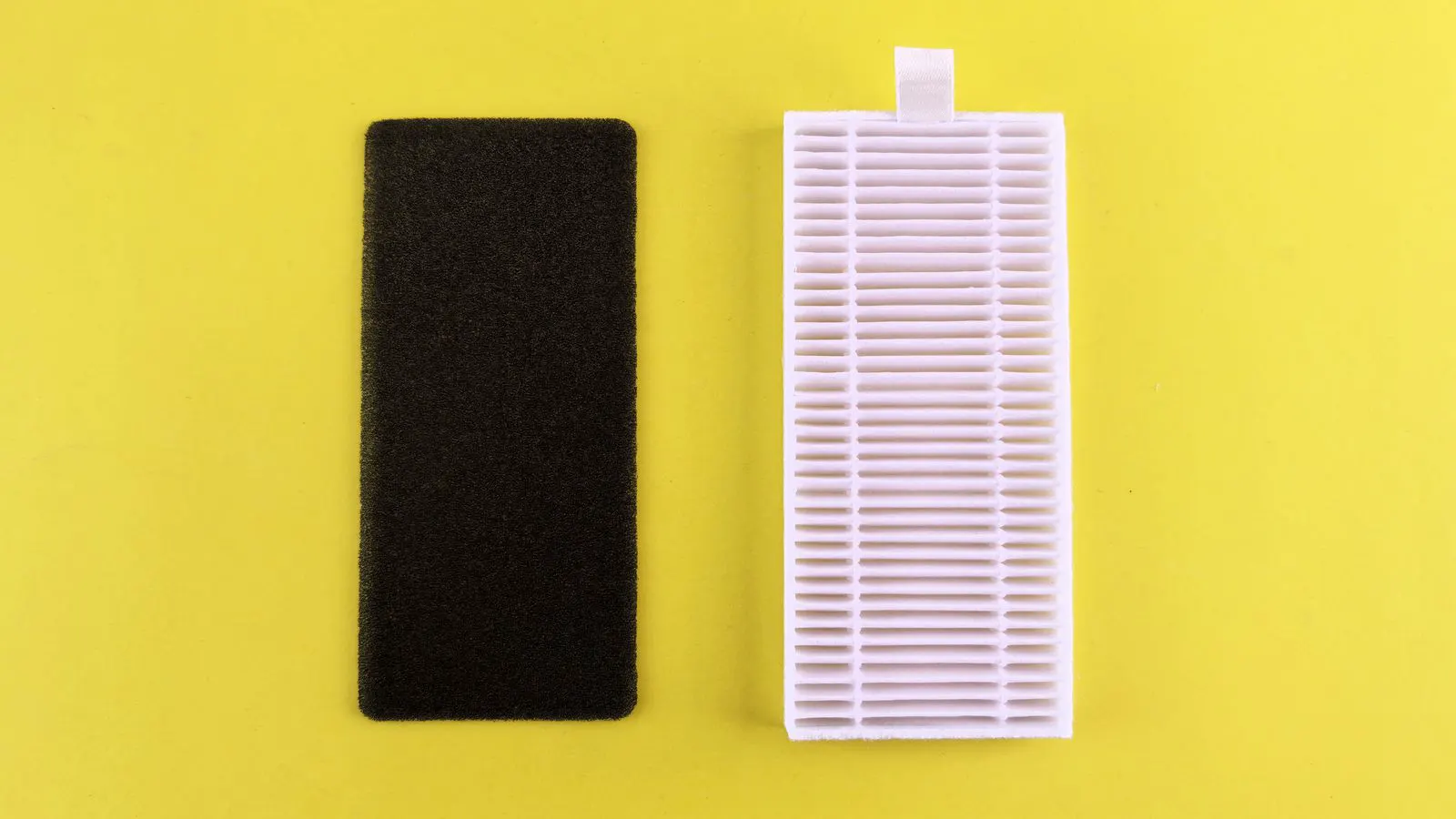
Look at the filter elements. If the surface looks dark and packed, the dust load is too high. If the media is torn, melted, or stained with oil, the material is incompatible or the process changed. Abrasive dust wears media faster. Moist dust cakes and clings. Oil-laden dust blocks the pores.
Pulse cleaning helps, but it only works if the cycle is correct. If the pulse valve fires too often, the dust rebounds. If it fires too rarely, the cake builds up. If the nozzle is clogged, that filter never gets cleaned. Check the nozzle orifices. A small amount of debris can block flow.
A single bad filter can drag down the whole system. In a multi-cell collector, one clogged cartridge can raise the overall pressure enough to trip an alarm. Pull the suspect filter. Look at the dust cake. If the cake is thick, the cleaning cycle is not aggressive enough. If the cake is thin but the pressure is still high, the media itself is the problem.
Consider the physical structure of the filter housing. If the seams are loose, air can bypass the media. The collector still filters, but the effective area is smaller. The pressure drop rises because the air is forced through fewer clean paths. Check gaskets and clamps. A loose seal can mimic a dirty filter.
Also verify the filter arrangement. If you added more filters, the pressure should drop. If the pressure rose, the new filters are not the same size or shape. They may have different pore sizes. They may have a different depth. The airflow distribution changes. The system fights the new geometry.
Verify blower performance
The blower creates the negative pressure. If it loses efficiency, the system pressure rises. This is not always obvious. The fan may still run, but the airflow may be lower than the design point.
Check the blower motor amps. Compare them to the nameplate rating. If the amps are high but the static pressure is also high, the fan is working harder. If the amps are normal but the pressure is high, the restriction is upstream of the fan.
Look for worn impeller blades. Vibration, dust impact, and corrosion can erode the blades over time. A worn impeller moves less air per revolution. The motor spins the same, but the pressure curve shifts. The fan still runs, but it cannot pull the design airflow.
Also check the inlet and outlet elbows. A partially blocked duct or a kinked hose can restrict flow. The blower may be healthy, but the system resistance is higher than the design allows. Clean the blower housing. Check for dust accumulation around the impeller.
Inspect the fan bearings. Worn bearings create friction. The motor works harder to turn the shaft. The airflow drops because the impeller spins slower or vibrates. Listen for grinding or rumbling. Measure bearing temperature with a thermometer. If the temperature is above the manufacturer’s limit, replace the bearings.
Check the VFD settings. If the variable frequency drive is set to a constant speed, the fan may be running faster than needed. If it is set to a variable speed, verify the speed command matches the process load. A misconfigured drive can cause short cycles or excessive speed.
Inspect ductwork and system resistance
Airflow is a series circuit. Any restriction adds pressure. Ductwork is where most hidden resistance hides.
Look for sagging ducts. A long run of horizontal pipe with a low point will collect dust. The cake grows over time. The cross-section narrows. Velocity rises. Pressure drops.
Check for obstructions. A bag that fell out of a collector, a tool left in a duct, or a buildup of sticky material can block flow. A small blockage in a large duct may not be visible, but it can raise pressure enough to cause problems.
Also check the discharge side. If the collector exhausts into a long stack or a restricted vent, the back pressure rises. The blower has to push against that. The system pressure increases.
A simple test is to close the collector inlet and run the blower. If the pressure stays low, the blower and exhaust path are fine. If it stays high, the problem is downstream. Open the inlet. If the pressure spikes, the filter path or ductwork is the issue.
Measure the duct velocity. Use a pitot tube or a hot-wire anemometer. Take readings at several points along the main duct. If the velocity varies widely, there is a restriction. Air accelerates through narrow sections and slows down in wide ones. The pressure changes accordingly.
Check the duct joints. Loose flanges or damaged seals allow air to leak out before it hits the filters. The blower works harder to replace the lost air. The pressure drop changes. The system runs inefficiently.
Use the table to narrow the diagnosis
The following table lists common symptoms and how to respond. Use it as a starting point. Do not assume the first match is the only cause. Cross-check with your readings.
| Symptom | Likely cause | What to do |
|---|---|---|
| Pressure rises slowly over weeks | Filter dust loading | Check pulse cleaning cycle. Replace media if cake is thick. |
| Pressure spikes after production start | Media damage or chemical contamination | Inspect filters for tears, oil, or abrasive wear. |
| Pressure stays high after filter change | Ductwork blockage or blower wear | Inspect ducts for obstructions. Check impeller condition. |
| One cell runs hotter than others | Blocked nozzle or stuck valve | Clean nozzle orifices. Verify pulse valve operation. |
| Blower amps high, pressure high | Worn impeller or duct restriction | Check impeller blades. Measure airflow at the inlet. |
| Pressure high after shutdown | Moisture or sticky dust caking | Dry the filters. Check process for oil or humidity changes. |
Build a monitoring routine
Pressure drop is not a set-and-forget number. It changes with production volume, dust type, and filter age. A fixed threshold may trigger too late. A trend is more useful.
Record the static pressure at the same time each shift. Note the production load. Note the filter age. If the pressure trend climbs steadily, the filters are reaching their limit. If it jumps and falls, the cleaning cycle is inconsistent.
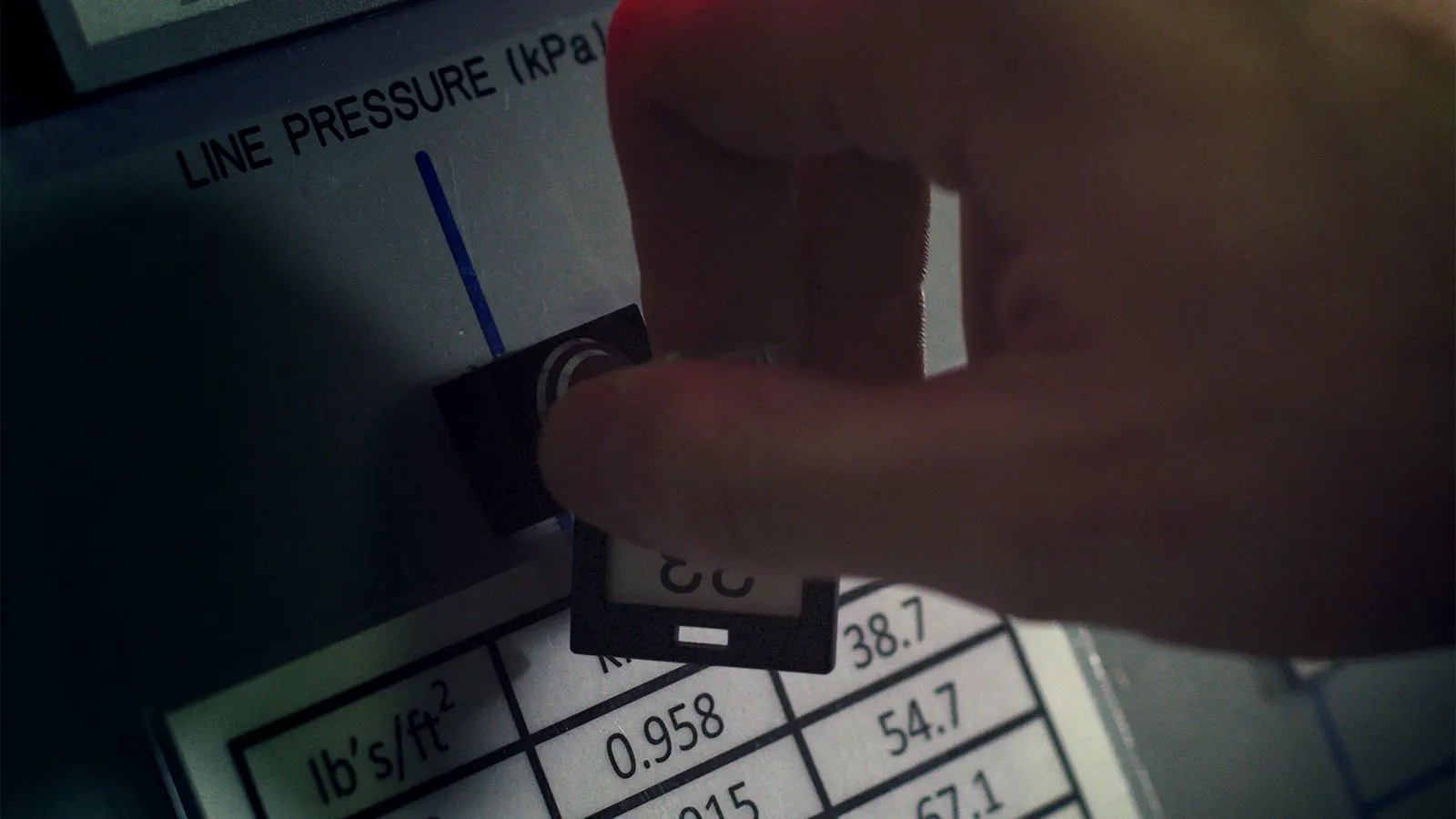
If you do not have a digital gauge, use a portable manometer. Take readings at the same port. Compare them over time. A small change of a few inches of water over a month may not matter. A jump of several inches in a week is a warning.
Keep a log. Write down the date, the reading, the production rate, and any filter changes. When a problem occurs, the log tells you when it started. That saves time during troubleshooting.
Prevention tips
Most pressure issues are preventable. The cost of fixing a problem is higher than the cost of catching it early.
Check the pulse cleaning cycle quarterly. Verify the valve fires, the nozzle clears, and the cycle time is correct. Adjust for the dust type. Abrasive dust needs shorter cycles. Moist dust needs more aggressive cleaning.
Inspect filters at each change. Do not just replace them. Look at the media. If the same failure repeats, the dust or the process is the problem. Adjust the media selection or the process.
Clean ductwork at scheduled intervals. A simple visual check with a camera can find blockages before they cause pressure issues.
Train operators to read the gauge. A steady climb is a signal. A spike is a warning. If the pressure exceeds the design limit, shut down the process. Do not run the system against a restriction. The blower and filters will fail.
A high pressure drop is not a mystery. It is a system telling you where the resistance is. Follow the path. Check the filters. Check the blower. Check the ducts. Fix the root cause, and the pressure will come back down.
Frequently asked questions
What is a normal pressure drop for a dust collector?
It depends on the design, dust type, and filter media. Check the manufacturer data. A typical range is a few inches of water, but some systems run higher.
How often should I check the pressure drop?
At minimum, log it once per shift. If you have digital monitoring, review the trend daily. Look for a steady climb or sudden spikes.
Can a high pressure drop damage the blower?
Yes. Running against a restriction increases motor load and heat. The blower may overheat or fail. Shut down if pressure exceeds the safe limit.
Is a dirty filter the only cause of high pressure?
No. Ductwork blockages, blower wear, and process changes can all raise pressure. Check the whole system path.
How do I know if the pulse cleaning cycle is wrong?
Look at the filter cake. If it is thick, the cycle is too weak. If dust rebounds, the pulse is too strong or too frequent. Adjust the cycle and monitor the pressure.